01
Open Kinder Check
Families scan the kinder poster once or save the kinder to their home screen. No shared kiosk is required.
Kinder Check lets authorised parents and carers sign children in and out on their own phones. Staff get a live operational view, a traceable attendance history and tools designed to work alongside Victoria's Arrival reporting model.

Find your kinder and open its sign-in page.
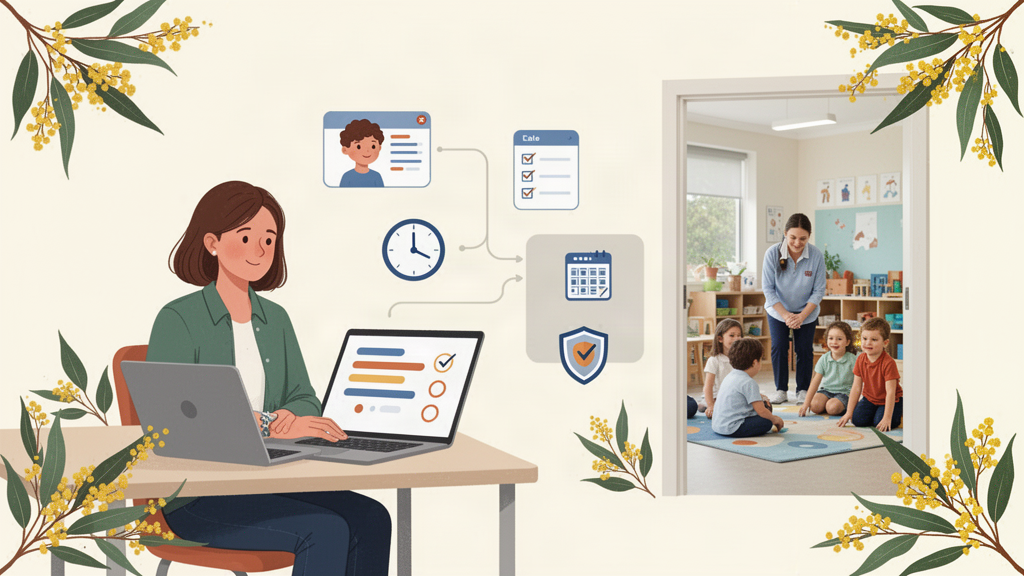
Kinder Check is not just a parent sign-in screen. It gives educators and administrators a shared operational picture of the day.
Families scan the kinder poster once or save the kinder to their home screen. No shared kiosk is required.
The family's registered mobile number identifies the carer. A private PIN is used for future visits.
Only children the carer is authorised for are shown. The action is time-stamped and added to the audit history.
Educators can see who is here, away, gone home, late, leaving early or still needs attention.
Maintain the people connected to each child, primary carers, relationships and separate drop-off and pick-up authority.
A single staff view of expected children, arrivals, departures, absences, early pick-ups and unresolved attendance.
Staff can correct times without silently replacing the story. Attendance events preserve the action and correction history.
Families can report an absence from their phone, reducing calls and giving educators a cleaner picture before the session starts.
Scheduled daily summaries can include attendance, absences, early pick-ups and children who have not been signed out.
Admins can export service data, and the Arrival area generates enrolment data using the Department's Template 2 structure.
Kinder admins and educators use named staff accounts. Sensitive Arrival enrolment information is restricted to admins.
Sibling pre-selection, current-time defaults, early pick-up notes and staff-on-behalf actions keep the flow quick when the door is busy.
Arrival remains the Department of Education's mandatory system for kindergarten program and enrolment reporting. The Department also supports third-party software pathways for attendance data and publishes enrolment upload templates for software vendors.
Kinder Check is not currently represented as Department-approved or directly integrated with Arrival. Direct submission remains subject to Department onboarding, security requirements and the relevant data-sharing/integration process.
Kinder Check has been deliberately structured so a pilot can demonstrate the service's attendance model without claiming an approval that has not yet been granted.
Child, date/time, authenticated carer or staff actor, authorisation context, absence handling, corrections and event history.
Template 2 import, validation, readiness and exact-column export for services using an alternative attendance system.
The product roadmap targets the Department's existing third-party attendance data-sharing pathway rather than creating a parallel reporting destination.
Arrival enrolment data can include considerably more sensitive information than a daily attendance list. Kinder Check separates those workflows and limits who can access them.
Parents only see children linked to them. Staff access is authenticated and scoped to their kinder; Arrival enrolment data is admin-only.
Sign-in, sign-out, absence, undo and correction events are retained as a history instead of being reduced to a single mutable timestamp.
Daily attendance and additional Arrival enrolment information are stored separately so the service does not expose sensitive enrolment fields in everyday workflows.
Kinder Check includes public Privacy and Terms pages, service-level exports and a retention framework for attendance records.
The MVP is designed for a controlled Victorian sessional-kinder pilot: get families using the own-phone experience, give staff a live attendance view and validate the records against the Department-approved reporting process.
Talk about a pilotSet up the service, rooms and staff accounts.
Import existing children, carers and attendance days.
Give families the kinder QR poster and setup invitation.
Run the own-phone attendance workflow with staff oversight.
Import or complete Arrival Template 2 enrolment information.
Reconcile the pilot against the Department-approved reporting process while integration requirements are confirmed.
No. Kinder Check is intended to simplify day-to-day attendance collection and work alongside Arrival. Mandatory Department reporting remains in Arrival.
No. The current product is pilot-ready and supports the published enrolment template, but direct attendance integration and any formal approval remain subject to Department review.
No. The parent flow runs in the browser and can be saved to the phone's home screen. Families use their registered mobile number and PIN.
Staff retain the ability to sign a child in or out on behalf of the family, with the staff action and reason recorded.
Yes. Admins have service-data export tools, and the Arrival area can export enrolment rows that pass the supported Template 2 checks.
The MVP authenticates the carer and records their confirmation. Additional presence controls such as a short-lived entrance QR can be added if required by the Department or pilot policy.
Own-phone attendance for families, a live operational view for educators, and an Arrival-ready direction for Victorian sessional kinders.